

Key Takeaways
- Software updates change specific sections of code on your device, not everything at once.
- Security patches close known vulnerabilities that attackers could otherwise exploit.
- Bug fixes correct errors in existing behavior; feature updates add new capabilities.
- Delaying updates leaves your device exposed to documented, publicly known security flaws.
- Major OS updates and small security patches are structurally different types of changes.
Software Update
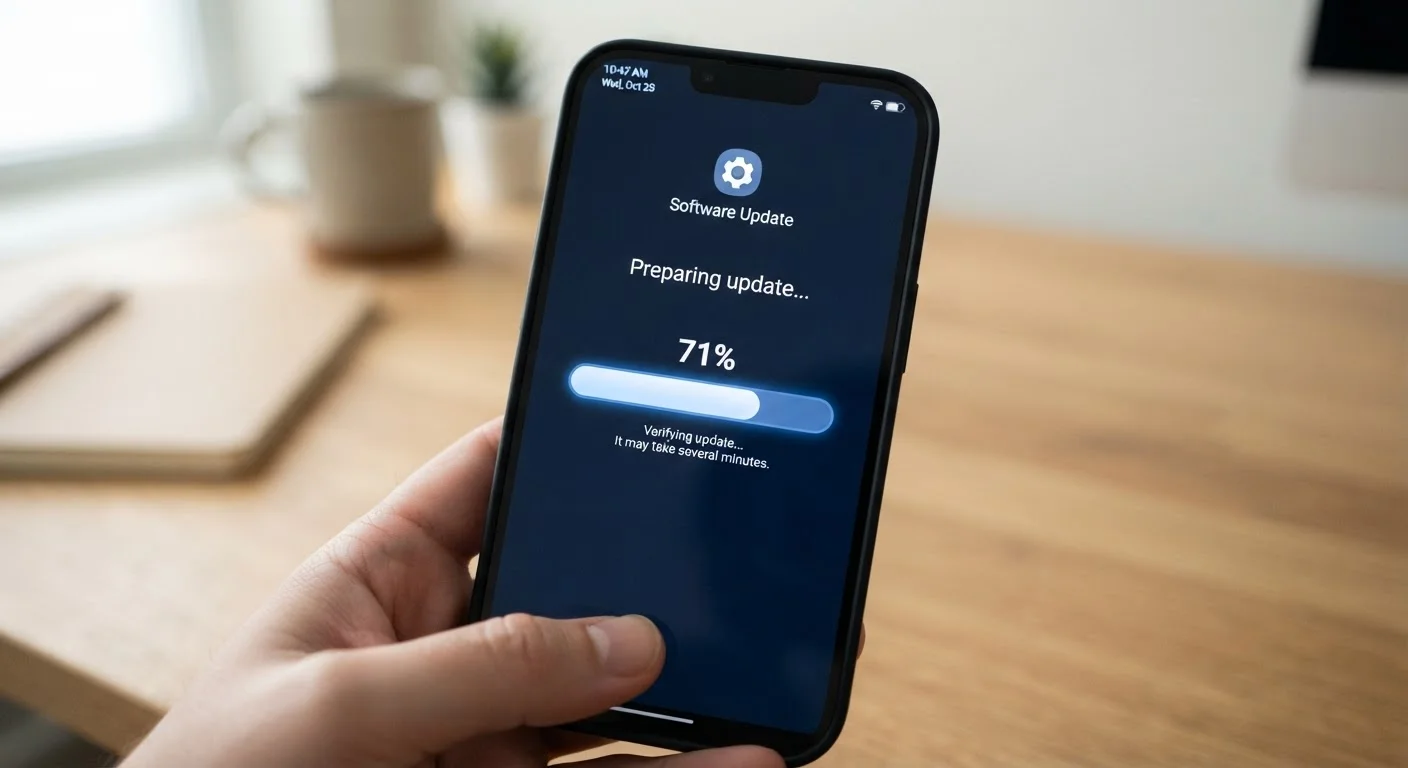
A software update is a replacement or addition to the code already running on your device. When you tap "Install," your device downloads a package of revised instructions and applies them, overwriting outdated code with newer versions. Updates can address security vulnerabilities, correct software errors, improve performance, or introduce new features - often all at once.
Updates are delivered as differential packages ("deltas") that modify only changed files rather than reinstalling the entire operating system, which keeps download sizes manageable.
The Three Core Types of Updates
Not every update notification means the same thing. Software updates generally fall into three categories, each targeting a different layer of your device:
- Security patches - These fix specific vulnerabilities in existing code. They do not change how anything looks or behaves; they close gaps that malicious actors could otherwise exploit.
- Bug fixes - These correct unintended behavior. If an app crashes under certain conditions, or a feature works incorrectly, a bug fix revises the logic causing the problem.
- Feature updates - These add new capabilities or redesign existing ones. A major OS release is the most visible example, but feature additions can also arrive in smaller increments.
Many updates bundle all three types together. The notification on your screen rarely explains which category dominates - the detailed change log, sometimes called release notes, is where that information lives.
Release Notes Are Worth Reading
Most operating systems and apps publish a change log alongside each update. On iPhones, this appears in the App Store under "What's New." On Android, update details are listed in the Settings security menu. These notes identify whether the update is security-focused, a bug fix, or a feature addition - information that helps you understand what changed and why.
What Actually Gets Replaced on Your Device
Your device's software is composed of layered files: the core operating system kernel, system services, default applications, drivers for hardware components, and more. When an update installs, it does not wipe and reinstall everything. Instead, it applies a differential package - a file that contains only the portions of code that changed.
Think of it like editing a long document: instead of retyping every page, you replace only the paragraphs that need updating. This is why a security patch might download in under 100 MB while a full OS upgrade can exceed 1 GB.
After the files are written, most devices require a restart so the new code can be loaded into active memory. This is one reason a reboot is almost always part of the update process. For a deeper look at why restarting accomplishes so much, see why restarting a device fixes so many problems.
~40%
Android devices running outdated OS versions
Google's own Android distribution data has consistently shown a significant share of active devices running OS versions more than two years old, leaving them without current security patches.
Monthly
Frequency of Android security patch releases
Google publishes Android Security Bulletins on a monthly schedule, documenting each patched vulnerability and its severity rating.
Why Security Patches Matter Most
Of the three update types, security patches carry the most immediate consequence if skipped. When a vulnerability is discovered, it is typically disclosed publicly - often after a coordinated window that gives manufacturers time to prepare a fix. Once disclosed, the flaw is documented and accessible to anyone, including people who build tools to exploit it.
A patch replaces the vulnerable code with a corrected version, closing the opening before it can be widely abused. Devices running outdated software remain exposed to those documented flaws indefinitely.
Security patches also interact closely with the broader security features built into modern devices. Smartphone security features most people never turn on covers the hardware and software safeguards that patches work alongside to protect your data.
Install Security Patches Promptly
Security patches are most effective when applied quickly. Once a vulnerability is publicly disclosed, the window before exploitation attempts begin can be very short. Enabling automatic updates for security patches - a setting available on both iOS and Android - removes the delay without requiring you to monitor notifications manually.
Major OS Updates vs. Small Patches: Key Differences
A major operating system update - the kind that changes version numbers, like moving from one numbered release to the next - is structurally more complex than a security patch. It may modify the visual interface, rework core system behaviors, update default apps, change how permissions work, and introduce new APIs that third-party apps can use.
Because major updates touch so many components, they carry a slightly higher chance of compatibility issues with older apps or hardware. Manufacturers and developers spend months testing before release, but no update is entirely without risk of edge-case problems.
Small monthly patches, by contrast, are tightly scoped. They change specific files with minimal ripple effects. For most users, these are invisible - the device behaves identically afterward, just with known vulnerabilities closed.
For a broader look at the vocabulary around your phone's software and hardware, the smartphone glossary is a useful reference. And if you're curious how the chip inside your phone relates to software performance, see what a smartphone's processor actually does.