

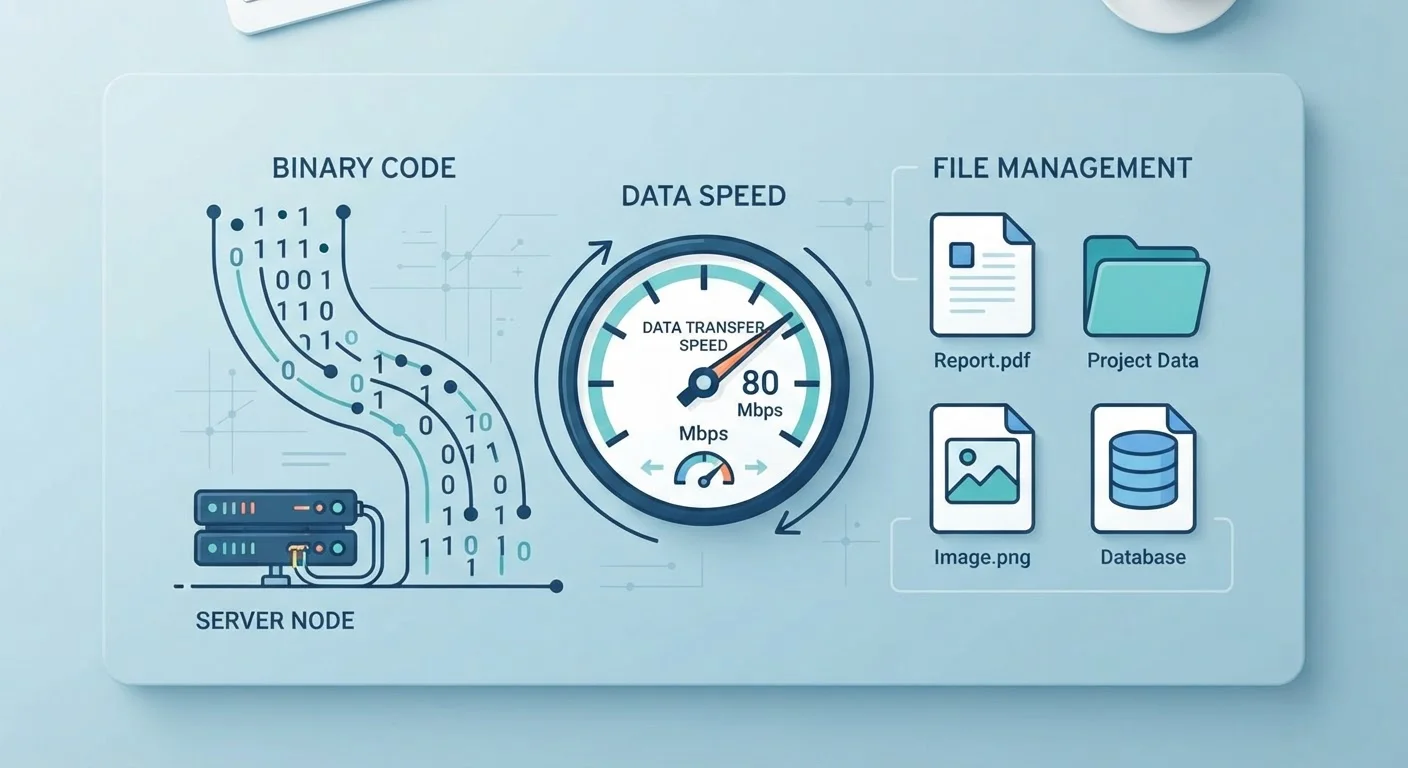
Key Takeaways
- A byte equals 8 bits - the source of most megabit vs. megabyte confusion.
- Internet speeds are advertised in megabits per second (Mbps), not megabytes.
- File sizes and storage are measured in bytes (KB, MB, GB), not bits.
- A 100 Mbps connection downloads roughly 12.5 megabytes of data per second.
- Bandwidth is a maximum capacity, not a guaranteed constant speed.
- Understanding these units helps you decode internet plans, storage specs, and file sizes accurately.
Bits, Bytes, and Bandwidth
A bit is the smallest unit of digital information - a single 1 or 0. Eight bits grouped together make one byte, which is enough to represent a single character of text. Bandwidth refers to how much data can travel through a connection per second, usually measured in multiples of bits.
Confusingly, storage capacity is conventionally measured in bytes (and their multiples), while network speeds are measured in bits per second - which is why the same prefix like 'mega' means different things on a hard drive label versus an internet plan.
Why These Units Trip Everyone Up
Most people encounter bits and bytes daily - in internet plan descriptions, phone storage specs, and file download progress bars - yet the units remain genuinely confusing. The core problem is that two similar-sounding words, megabit and megabyte, mean very different things, and the tech industry uses them in different contexts without always explaining the distinction.
Add prefixes like kilo-, mega-, giga-, and tera- to both units, and you get a matrix of terms that overlap just enough to cause real mistakes - like assuming a 200 Mbps internet plan means you can download a 200 MB file in one second. (You can't, but you can in about 8 seconds.) For a broader plain-English glossary of terms like these, see Tech Terms You Keep Seeing - Finally Defined in One Place.
Lowercase vs. Uppercase Letters Matter Here
In formal notation, a lowercase 'b' stands for bits (Mbps = megabits per second), while an uppercase 'B' stands for bytes (MB = megabytes). Not all manufacturers and service providers follow this convention consistently, so when in doubt, check the context - storage specs are almost always in bytes, and network speeds are almost always in bits.
The Building Blocks: Bits and Bytes
At the hardware level, all digital information is stored and transmitted as binary data - sequences of electrical signals that are either on or off, represented as 1 or 0. Each individual 1 or 0 is called a bit, the smallest possible unit of digital data.
Eight bits form a byte. One byte can represent 256 different values (2 to the power of 8), which is enough to encode a single letter, digit, or punctuation mark in standard text encoding. From there, the familiar prefixes scale things up:
- Kilobyte (KB): ~1,000 bytes - a short text email
- Megabyte (MB): ~1,000 KB - a typical photo from a smartphone
- Gigabyte (GB): ~1,000 MB - a feature-length HD movie download
- Terabyte (TB): ~1,000 GB - a large desktop hard drive
Storage on your phone, laptop, or external drive is always described in bytes and their multiples. Understanding storage is also key to concepts like RAM - for a clear look at how storage and memory differ, see RAM vs. Storage: Why Mixing Them Up Causes Real Confusion.
8 bits
Equal to one byte of data
This fixed relationship is the foundation for converting between network speeds (in bits) and file sizes (in bytes).
÷ 8
Simple formula to convert Mbps to MB/s
Dividing any megabits-per-second figure by 8 gives the equivalent megabytes-per-second transfer rate.
~25 Mbps
Typical bandwidth needed for 4K streaming
Major streaming platforms generally recommend at least 15-25 Mbps for stable 4K Ultra HD playback, according to their published guidelines.
Bandwidth: The Speed Lane, Not the Destination
Bandwidth measures how much data a network connection can carry per second. Internet service providers advertise it in megabits per second (Mbps) or gigabits per second (Gbps) - bits, not bytes. This is the single most important distinction to remember when reading an internet plan.
Because there are 8 bits in a byte, you divide a speed in Mbps by 8 to find your actual download rate in megabytes per second. A 200 Mbps plan delivers roughly 25 MB per second - still fast, but not 200 MB per second as a quick skim might suggest.
Bandwidth is also a ceiling, not a floor. Actual speeds vary based on network congestion, the quality of your router, distance from Wi-Fi access points, and how busy the server you're contacting happens to be. For more on how data physically travels to reach your screen, see How the Internet Actually Moves Data from One Place to Another.
Quick Conversion Rule to Bookmark
Whenever you see an internet speed in Mbps and want to know your real download rate, divide by 8. A 400 Mbps plan delivers roughly 50 MB per second. Keeping that one formula in mind resolves the vast majority of bits-versus-bytes confusion.
Putting It Together: Real-World Applications
These units intersect constantly in everyday tech decisions. When you stream a video, the streaming service adjusts picture quality based on your available bandwidth - higher bandwidth supports a higher-resolution stream. Video resolution specs like HD and 4K each have associated data rate requirements; our TV Resolution Explained: HD, 4K, and 8K in Plain English covers what those differences mean in practice.
When you back up photos to cloud storage, the total size is measured in gigabytes (bytes-based), but the upload speed depends on your connection's upload bandwidth in Mbps (bits-based). Understanding both sides helps you estimate how long a backup will take and whether your plan is genuinely sufficient for your usage.
The same logic applies to phone camera specs and the files they produce - just as camera resolution determines file size in megabytes, network bandwidth determines how quickly those files can be shared. For more on reading tech specs with confidence, see Megapixels, Aperture, and Sensor Size: What Phone Camera Specs Actually Mean.