

Key Takeaways
- HD (1080p) remains the most widely used resolution for broadcast TV and streaming content.
- 4K has four times the pixels of HD, delivering noticeably sharper images on larger screens.
- 8K exists commercially but has almost no native content available to consumers today.
- Viewing distance and screen size affect how much resolution improvement you can actually perceive.
- Resolution is only one factor in picture quality - panel technology and HDR matter too.
TV Resolution
Resolution refers to the number of pixels - tiny colored dots - packed into a television screen. The more pixels, the more detail the picture can show. HD, 4K, and 8K are simply shorthand labels for how many of those pixels a screen contains.
Resolution is expressed as a pixel count: 1920×1080 for Full HD, 3840×2160 for 4K UHD, and 7680×4320 for 8K UHD. The second number corresponds to vertical pixel rows, which is why 1080p means 1,080 lines of vertical resolution.
What Resolution Actually Means
Think of a TV screen as a grid made up of millions of tiny squares, each one capable of displaying a specific color at any given moment. These squares are called pixels. Resolution is simply the count of those pixels - described as columns × rows.
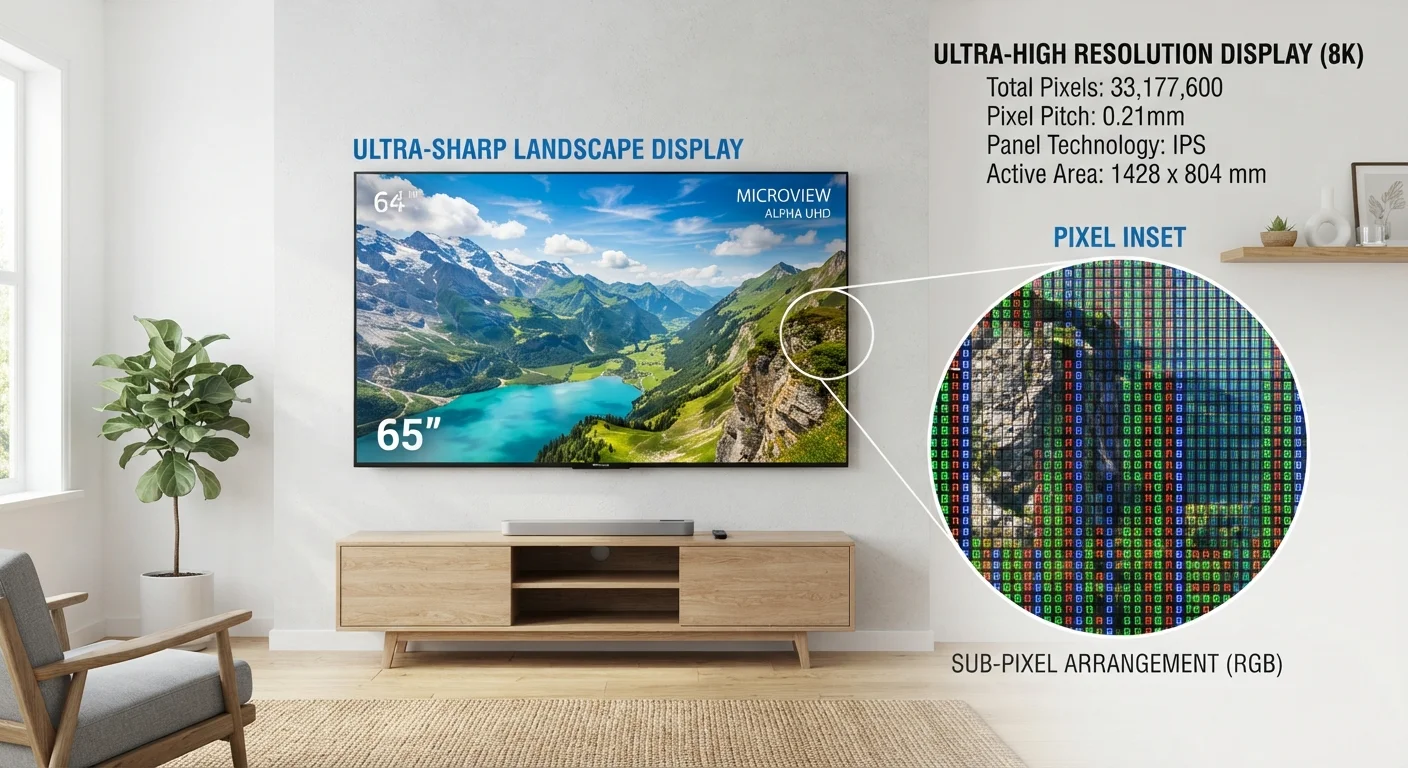
A Full HD screen contains 1,920 columns and 1,080 rows, totaling roughly 2 million pixels. A 4K screen measures 3,840 × 2,160, which adds up to about 8.3 million pixels - four times as many. An 8K screen pushes that to 7,680 × 4,320, or around 33 million pixels.
More pixels means finer detail: edges look crisper, textures appear more realistic, and the image holds up better when you're sitting close to a large screen. But - and this is important - your eyes can only distinguish those extra pixels up to a point, depending on how large the screen is and how far away you're sitting.
For a full glossary of display-related terms, the Consumer Electronics Glossary covers refresh rate, HDR, and other spec-sheet vocabulary in one place.
HD, 4K, and 8K: What Each Label Actually Delivers
HD (High Definition) - specifically 1080p Full HD - has been the broadcast and streaming standard for well over a decade. Cable TV, Blu-ray discs, and most streaming content at default quality settings are delivered in 1080p. For a 40- to 50-inch TV watched from 8-10 feet away, HD looks genuinely sharp.
4K (Ultra HD or UHD) became mainstream in consumer TVs around 2016 and is now the dominant resolution tier for screens 55 inches and above. Major streaming platforms offer 4K catalogs, and 4K Blu-ray provides the highest-quality disc format available to consumers. The improvement over HD is most visible on larger screens and at closer viewing distances.
8K is available in high-end televisions, but native 8K content is nearly nonexistent for everyday viewers. The format is primarily a future-proofing argument at this point - televisions at this resolution apply aggressive upscaling to make lower-resolution sources fill the screen.
4×
More pixels in 4K vs. Full HD
A 4K UHD screen contains 8.3 million pixels compared to approximately 2 million in a 1080p Full HD display.
16×
More pixels in 8K vs. Full HD
An 8K screen's 33 million pixels represent sixteen times the pixel count of a standard Full HD 1080p panel.
~55"
Screen size where 4K advantage becomes clear
Display researchers generally note that 4K's sharpness advantage over HD becomes most perceptible on screens 55 inches or larger at normal viewing distances.
Resolution also interacts with how content is delivered. How streaming devices process video signals is a separate but related topic worth understanding if you're trying to get the best picture from a 4K TV.
Why Viewing Distance and Screen Size Change Everything
The human eye has a limited ability to resolve fine detail. At typical living-room viewing distances, there's a practical threshold beyond which adding more pixels produces no visible improvement.
As a rough guide: on a 55-inch screen, the benefit of 4K over HD becomes noticeable when you're sitting closer than about 7 feet. On a 75-inch screen, you can perceive the difference from around 10 feet. At the same distances, the jump from 4K to 8K is functionally invisible to most people without an extraordinarily large screen - think 85 inches or more.
This doesn't mean higher resolution is useless. It means context matters. A home theater setup with an 85-inch display and seats positioned 6-8 feet away is a very different situation from a bedroom TV watched casually from across the room.
Match Resolution to Your Setup
Before prioritizing a higher resolution, measure your typical viewing distance and screen size. An online 'viewing distance calculator' can help you determine whether 4K or 8K would provide any visible benefit in your specific room. In many cases, investing in HDR quality or a better panel type delivers a more noticeable improvement than stepping up in resolution alone.
Resolution Is Only Part of the Picture
Spec sheets often lead with resolution because it's easy to quantify, but it's far from the only factor determining how good a TV looks. HDR (High Dynamic Range) - which expands the range between the darkest blacks and brightest whites - often has a more immediate visual impact than jumping from HD to 4K. Color volume, local dimming quality, and panel technology all shape the viewing experience significantly.
OLED, QLED, and LED panel technologies each handle contrast and color differently in ways that affect everyday picture quality as much as - or more than - the raw pixel count. For a deeper look at HDR formats specifically, see Aspect Ratios, HDR, and Dolby Vision explained.
The practical takeaway: when evaluating picture quality, treat resolution as one dimension among several rather than the defining metric. A 4K panel with poor contrast handling can look worse than a well-calibrated HD display in a dim room.