

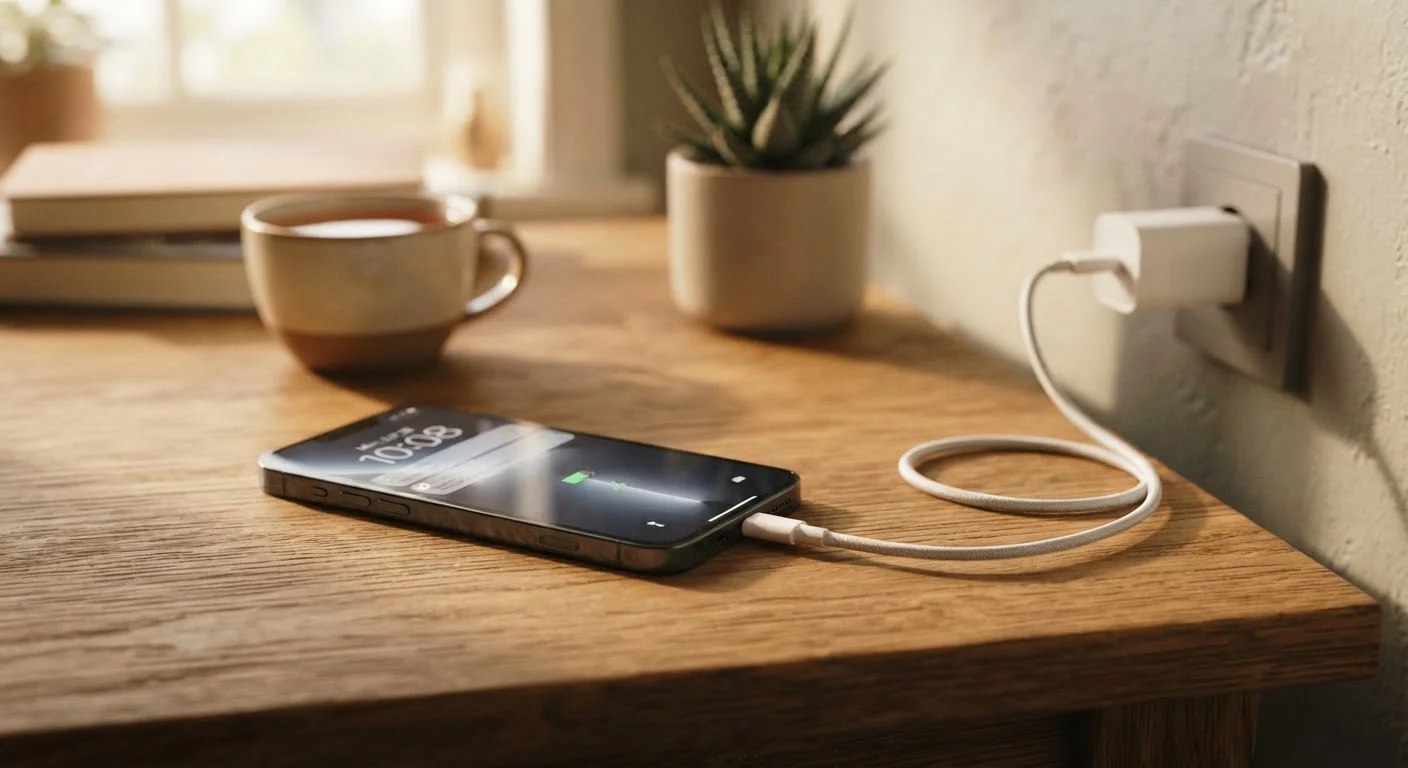
Key Takeaways
- Lithium-ion batteries degrade gradually with every charge cycle - this is unavoidable but can be slowed.
- Heat is the single biggest accelerant of battery aging; avoid leaving phones in hot environments.
- Keeping charge levels between 20% and 80% is generally better for long-term battery health.
- Fast charging and overnight charging contribute to wear when used habitually without limits.
- Most modern phones include battery health tools that can help users monitor degradation over time.
Why Phone Batteries Don't Last Forever
The battery inside your smartphone is a lithium-ion cell - a technology with known strengths and well-documented limitations. Every charge and discharge cycle causes incremental chemical changes inside the cell that permanently reduce how much energy it can hold. This process is called capacity fade, and it's unavoidable. What's within your control is how fast it happens.
Most phone manufacturers consider a battery "healthy" if it retains around 80% of its original capacity after 500 full charge cycles. Reach that threshold faster through poor habits, and your phone will feel sluggish and short-lived well before you're ready to replace it. Understanding the specific behaviors that accelerate this process is the first step toward slowing it down. For a broader look at keeping your devices in shape, see our electronics maintenance guide.
The Most Common Battery-Aging Mistakes
Most battery damage isn't dramatic - it accumulates quietly through everyday habits. The mistakes below are the most common culprits, and each one has a straightforward correction.
Routinely charging to 100% and leaving it there.
Why it happens: Reaching a full charge feels intuitive - more charge should mean more life. Most people have no visibility into what happens inside the battery at maximum charge.
Letting the battery drain to zero regularly.
Why it happens: An older belief - rooted in nickel-based battery technology - held that full discharges were necessary to preserve battery memory. Lithium-ion batteries work differently.
Leaving a phone in a hot car, on a sun-facing windowsill, or under direct heat while charging.
Why it happens: Convenience drives most of these situations - charging wherever a cable is available, or leaving a phone in a bag or car without thinking about ambient temperature.
Using maximum-speed fast charging as the default every time.
Why it happens: Fast charging is a headline feature on many phones, and using it feels like getting the most from the device. The speed benefit is real - but so is the added heat it produces.
Ignoring the battery health percentage in device settings.
Why it happens: Many users are unaware this metric exists or don't know how to find it. On most iPhones it's under Settings > Battery > Battery Health; Android options vary by manufacturer.
~500
Charge cycles before significant capacity loss
Lithium-ion batteries typically reach around 80% of original capacity after approximately 500 full charge cycles, according to general industry specifications published by manufacturers including Apple.
20-80%
Recommended charge range for battery longevity
Battery researchers and device manufacturers commonly recommend keeping lithium-ion charge levels in this middle range to minimize electrochemical stress and slow capacity fade.
Heat, Software, and the Habits Worth Revisiting
Beyond charging patterns, two other factors contribute meaningfully to battery aging: thermal stress and software-driven power demand.
Heat is the most destructive force a lithium-ion battery faces. Charging generates heat, intensive tasks generate heat, and leaving a phone in a hot car or direct sunlight generates even more. Sustained high temperatures accelerate the chemical degradation that reduces capacity. If your phone regularly feels hot to the touch, that's a sign worth taking seriously.
On the software side, apps that run continuously in the background - location services, push email, video streaming - force the battery to work harder for longer. This doesn't cause the same kind of acute damage as heat, but it does mean more charge cycles per day, compounding wear over time. Check your phone's battery usage screen periodically; it will show which apps are drawing the most power. Our guide to hidden power drains covers this in more detail.
Heat During Charging Compounds Wear Rapidly
Charging already raises a battery's internal temperature. Adding external heat sources - a hot car, direct sunlight, or a thick case that traps warmth - amplifies this stress significantly. If your phone becomes noticeably hot while charging, unplug it and let it cool before continuing. Persistent overheating during charging is a sign worth investigating with your device's manufacturer or support resources.
If you're uncertain how your habits compare to common misconceptions, our charging myths fact-check addresses some of the most persistent ones. And if you want to understand how battery health fits into the longer case for keeping your phone, see the case for keeping your phone longer than two years.