
Understanding Phone OS Updates: What Changes, What Doesn't, and Why It Matters

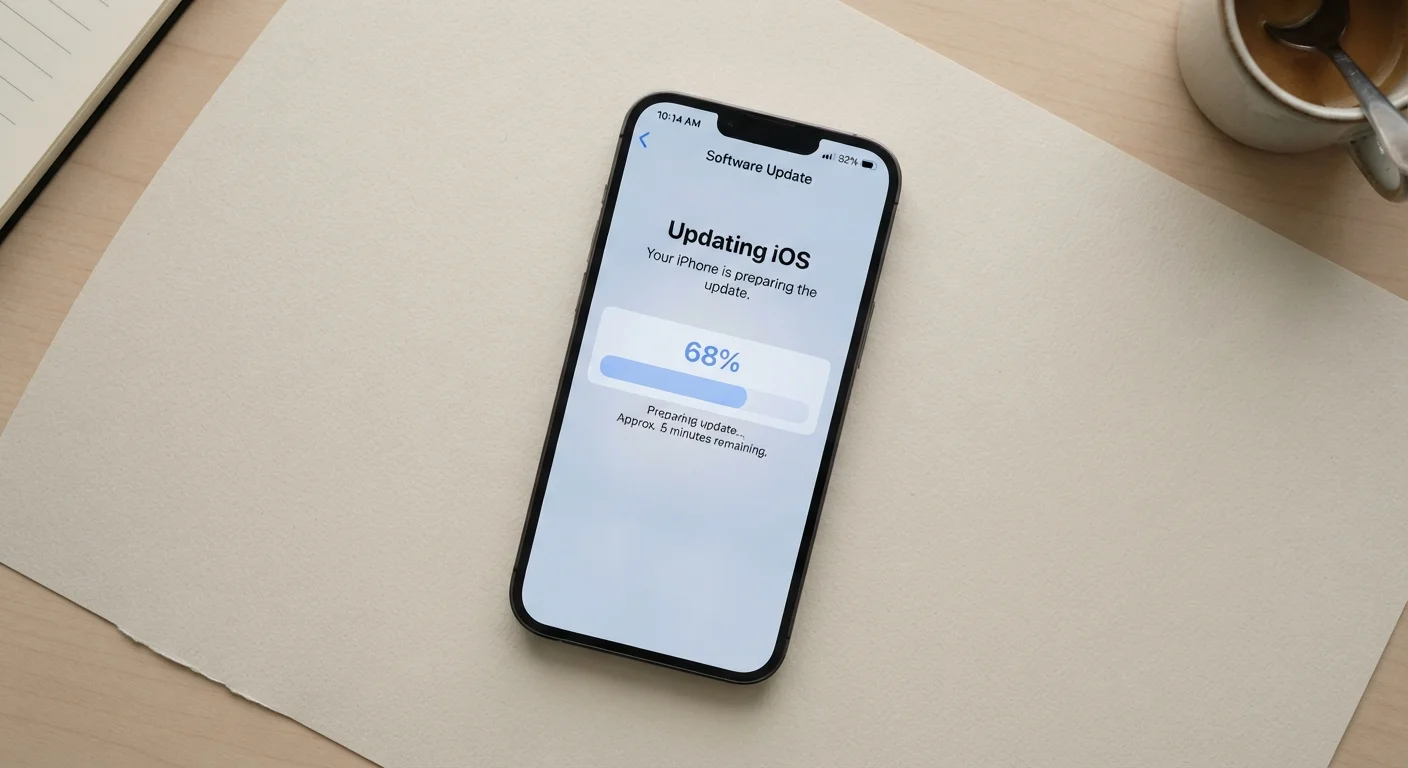
Key Takeaways
- Security patches - not new features - are often the most critical reason to install an update.
- Major OS version upgrades (e.g., Android 14 to 15) change far more than minor monthly patches.
- Some hardware limitations mean older phones eventually stop receiving OS updates.
- Delaying updates leaves known vulnerabilities open on your device.
- Not every update changes what you see - many fixes happen invisibly in the background.
Phone OS Update
A phone OS (operating system) update is a package of software changes delivered by the manufacturer or platform provider that modifies how your phone functions at its core. Updates can add new features, fix bugs that cause crashes or slowdowns, and - critically - patch security vulnerabilities that could expose your data to attack. They are separate from individual app updates and affect the foundational layer that everything else on your phone runs on top of.
OS updates are typically signed with cryptographic certificates and verified by the device before installation, ensuring the package hasn't been tampered with in transit.
Three Distinct Types of Updates - and Why the Difference Matters
When your phone prompts you to install an update, it is rarely one uniform thing. Phone OS updates generally fall into three categories, each with a different purpose and scope.
- Security patches: Targeted fixes for specific vulnerabilities in the operating system. These do not change how the phone looks or behaves - they close gaps that attackers could exploit to access your data or take control of functions without your knowledge.
- Bug fix and stability updates: Corrections to software errors causing crashes, battery drain, connectivity problems, or other performance issues. These are often invisible improvements that make the phone run more reliably.
- Major OS version upgrades: Significant releases (such as moving from one numbered version to the next) that can introduce redesigned interfaces, new built-in features, changes to how apps interact with the system, and deeper architectural modifications.
Understanding which type you're installing sets appropriate expectations. A monthly security patch won't give you new camera modes; a major version upgrade might change how your notification panel works.
App Updates Are Separate
Updates to individual apps - delivered through the App Store or Google Play - are distinct from OS updates. An app update changes only that application, not the underlying operating system. Both types of updates serve different purposes and should not be confused with each other.
What Actually Changes Inside the Phone
Much of what an OS update modifies never appears on screen. The update may rewrite low-level drivers - software that helps the OS communicate with hardware components like the camera sensor, cellular modem, or fingerprint reader. It may alter memory management rules to reduce background app crashes, or tighten the permissions framework that governs what apps are allowed to access.
For consumers, the most practically significant invisible change is the security patch. Researchers and the platform's own security teams continually discover flaws in operating system code. Once a flaw is confirmed and patched, the fix is distributed as an update. Phones that haven't installed the patch remain exposed to that known flaw - a meaningful risk given that attack tools for known vulnerabilities are often publicly available shortly after disclosure.
Visible changes in major upgrades tend to include redesigned system menus, new default apps or app behaviors, updated privacy dashboards, and changes to how the phone handles multitasking or widgets. Learn more about what's actually changing inside your device for a deeper look at what each layer of a software update touches.
~30 days
Typical gap before disclosed vulnerabilities are actively exploited
Security researchers broadly note that after a patch is publicly released, exploit attempts against unpatched devices often begin within weeks.
5-6 years
Approximate iOS update support window per device generation
Apple has historically supported iPhones with OS updates for approximately five to six years after a model's initial release.
4-7 years
Android OS update commitments on select devices
Several Android manufacturers have extended OS and security update commitments to four to seven years on certain flagship and mid-range models.
What Doesn't Change - and Realistic Expectations
OS updates do not upgrade your hardware. An update cannot add more RAM, improve the physical camera lens, or extend the battery's chemical capacity. Occasionally, software optimizations can make a processor perform more efficiently, but the underlying chip remains the same.
This distinction matters because manufacturers and platform providers eventually stop releasing OS updates for older devices. The hardware can no longer reliably support newer system requirements, or the cost of continued testing on aging models becomes impractical. When updates stop, the phone continues working - but it no longer receives security patches for newly discovered vulnerabilities. This is one of the factors worth weighing when deciding how long to use a device. See the tradeoffs of holding on to your phone longer for an honest look at that calculation.
Updates also do not remove features you rely on without notice in most cases, though major version upgrades occasionally deprecate - that is, phase out - older capabilities in favor of newer approaches. Reading brief release notes before a major upgrade is a reasonable habit.
Why Timely Updates Are a Security Decision, Not Just a Preference
Treating OS updates as optional is increasingly difficult to justify from a security standpoint. Once a vulnerability is publicly disclosed - which typically happens after a patch is already available - attackers have a detailed roadmap to exploit devices that haven't updated. The window between disclosure and active exploitation can be measured in days.
Security patches are the update category where delay carries the clearest risk. Feature updates are less time-sensitive, but installing them ensures your device benefits from stability improvements that accumulate over time. Your phone has other security tools worth knowing about too - updates work best when paired with features like strong lock-screen authentication and app permission controls.
Enable Automatic Updates Where Possible
Most smartphones allow you to schedule automatic OS updates overnight while the device is charging and connected to Wi-Fi. Enabling this setting ensures security patches install promptly without requiring manual action. Check your phone's Settings under System or General to configure this option.
For consumers deciding between mobile platforms, the frequency and duration of OS update support is a meaningful factor. Understanding each platform's update approach can help inform that choice.