

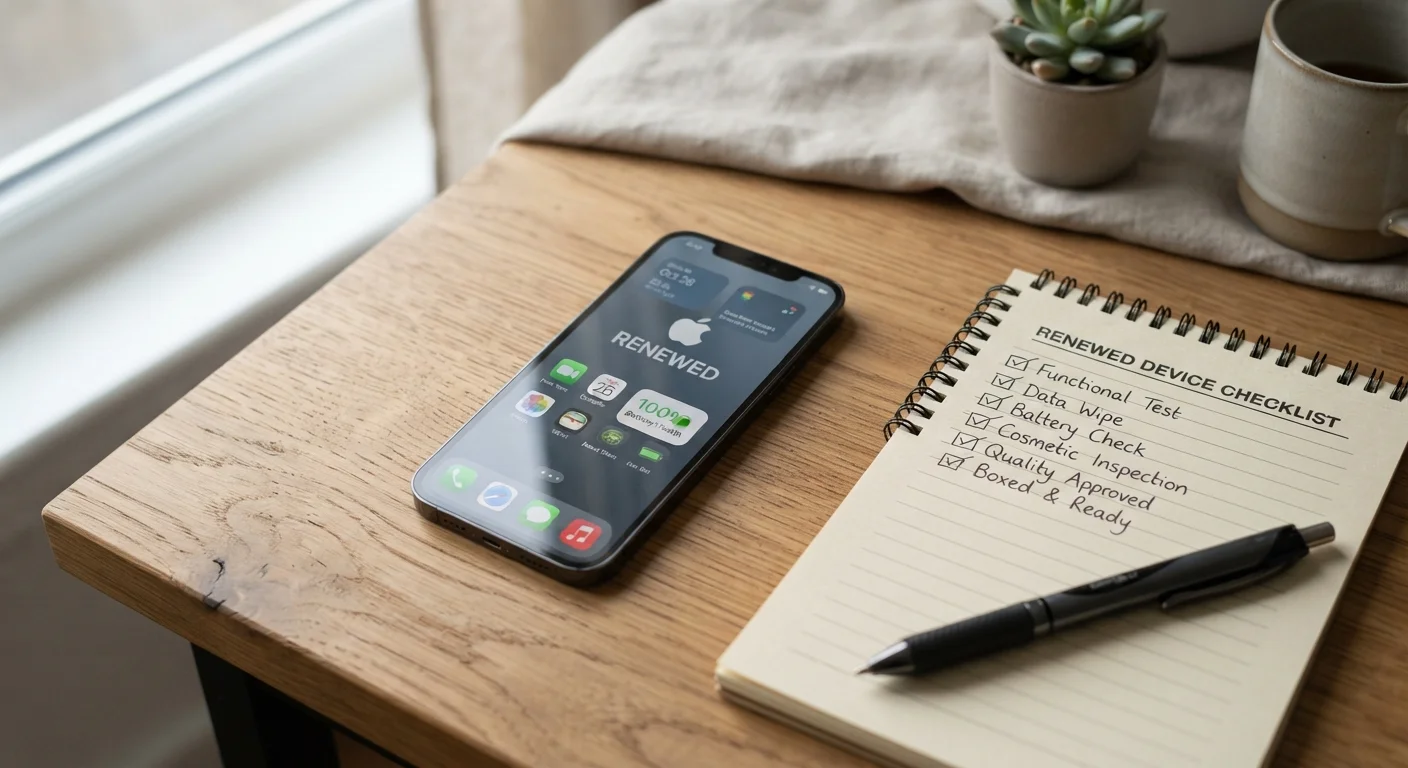
Key Takeaways
- Refurbished phones vary widely in quality depending on who reconditioned them and how.
- Always confirm the grading standard used and what it actually covers before purchasing.
- Battery health, carrier lock status, and software support timelines are critical to verify.
- A clear return policy and warranty offer meaningful protection after purchase.
- IMEI checks can reveal whether a device has been reported stolen or flagged on a blocklist.
Summary
18 items · 20-40 minutes
Why Refurbished Phones Deserve a Closer Look
A refurbished phone is a previously owned device that has been inspected, repaired if necessary, and resold - often at a meaningfully lower price than a new equivalent. That value proposition is real, but the category is not uniform. Devices sold as "refurbished" can range from factory-certified units with replaced batteries and rigorous testing to lightly cleaned returns with minimal inspection.
Understanding the difference matters because the label alone tells you very little. Before committing to a purchase, it pays to ask specific, concrete questions about condition, history, and protections. The checklist below gives you a structured way to do exactly that.
If unfamiliar terms appear in a listing - such as unlocked, IMEI, or OS version - the Smartphone Glossary covers the terminology you are likely to encounter on any spec sheet or product listing.
Source and Certification
Device History and Blocklist Status
Carrier Lock and Compatibility
Battery and Hardware Condition
Software and Security Support
Warranty, Return Policy, and After-Purchase Protection
Tools and Resources You Will Need
You do not need specialized equipment to work through this checklist, but a few free resources make the process significantly more thorough.
IMEI Checker (free online tools)
Verifies a phone's blocklist status, carrier lock, and basic device history using the 15-digit IMEI number found on the listing or device.
Manufacturer Support Page
Confirms the official end-of-software-support date for the specific phone model you are evaluating.
Carrier Compatibility Checker
Confirms whether the device's model number and radio bands are supported by your specific carrier and plan type.
Diagnostic App (post-purchase)
After receiving the device, a hardware diagnostic app can systematically test sensors, cameras, speakers, and battery health before your return window closes.
Once you have verified the device and completed a purchase, the next practical step is moving your existing data across. The Practical Transfer Guide walks through contacts, photos, apps, and settings so nothing gets left behind during the switch.
Understanding Condition Grades and Long-Term Value
Most refurbished listings assign a grade - commonly "Grade A," "Grade B," or similar - but these labels are not standardized across sellers. One retailer's Grade A may be another's Grade B. Always look for a written description of what each grade means for that specific seller: acceptable scratch depth, battery minimum health percentage, and which components have been tested or replaced.
Battery health deserves particular attention. Lithium-ion batteries degrade with charge cycles, and a phone with a battery below roughly 80% capacity will drain noticeably faster than when new. Reputable refurbishers typically replace the battery or disclose its health percentage; if neither is mentioned, ask directly before purchasing.
Account Locks Can Make a Device Unusable
If a previous owner's iCloud or Google account remains active on the device, you may be unable to set it up at all - even if the phone is otherwise in perfect working order. Always ask the seller to confirm the device has been fully signed out and factory reset before it ships. Reputable refurbishers should be able to provide this confirmation in writing.
Grading Labels Are Not Standardized Across Sellers
There is no universal industry standard for refurbished phone grading. A "Grade A" device from one seller may have visible scuffs that another seller would classify as Grade B. Do not rely on the letter grade alone - always read the written condition description and, where possible, request photos of the actual unit.
Software support timelines are another factor worth researching independently. A phone that no longer receives operating system security updates carries meaningful privacy and security risk, regardless of its physical condition. Check the manufacturer's published end-of-support date for the specific model you are considering.
For a broader perspective on how devices hold up over time, repairability scores can indicate whether a phone's components are accessible for future repairs - a factor that affects long-term ownership costs.
A Blocklisted Phone Cannot Connect to US Carriers
A device on a carrier blocklist - typically because it was reported stolen or associated with an unpaid account - cannot be activated on major US networks, regardless of its physical condition or what you paid for it. Running an IMEI check before any purchase is one of the most important steps in this checklist. If a seller refuses to provide the IMEI before purchase, treat that as a significant red flag.