

Key Takeaways
- Smart TVs collect viewing habits, voice commands, app usage, and device identifiers by default.
- Automatic Content Recognition (ACR) can identify content from any HDMI input, not just streaming apps.
- This data is primarily used to serve targeted advertisements and inform content recommendations.
- Most smart TVs allow users to disable ACR and limit ad tracking in the settings menu.
- Disabling data collection features does not typically affect core streaming or playback functionality.
Smart TV Data Collection
Smart TVs are internet-connected televisions that run apps, stream content, and often include voice assistants. In exchange for these features, they routinely collect data about what you watch, how long you watch it, what commands you speak, and how you navigate menus. This information is typically used for targeted advertising and to improve platform services.
A primary collection mechanism is Automatic Content Recognition (ACR) - software that samples on-screen video in real time and matches it to a database to identify what content is being viewed, regardless of the source.
What Smart TVs Actually Track
When you set up a smart TV, you're typically asked to agree to a privacy policy and terms of service before accessing any content. Buried in those agreements is permission for the TV to collect a substantial amount of behavioral data. Understanding what falls into that category helps clarify what's actually happening in your living room.
The most common data points collected include:
- Viewing history: What content you watch, on which app, and for how long.
- ACR data: On-screen content identified from any source - including cable boxes, game consoles, and over-the-air broadcasts - not just native apps.
- Voice command recordings: Queries made to built-in assistants like Google Assistant or Alexa.
- Device identifiers: Unique IDs tied to your television and sometimes linked to other devices on your home network.
- App interaction data: Which apps you open, how long you spend in them, and what you search for.
The breadth of ACR in particular surprises many users. Because it works by analyzing the image on screen - not the signal source - it can identify content even when a smart TV's own apps aren't in use. This is relevant context when evaluating what a smart TV knows about your household's viewing habits. For a deeper look at the hardware side of modern televisions, see our explainer on TV panel technologies.
~90%
Smart TV market penetration in new US TV sales
According to industry estimates, the vast majority of televisions sold in the US are now internet-connected smart TVs, making data collection features nearly universal in new purchases.
ACR
Identifies content from any HDMI source
Automatic Content Recognition works by analyzing on-screen images regardless of input, meaning cable, satellite, and gaming content can be identified - not just streaming apps.
2 minutes
Typical ACR sampling interval
Research has indicated that some smart TV ACR systems sample on-screen content as frequently as every few seconds to minutes to build a detailed viewing profile.
Why TV Manufacturers Collect This Data
Data collection on smart TVs is primarily driven by advertising revenue. Manufacturers can sell televisions at competitive price points partly because the platform generates ongoing income through targeted ad placements and data licensing. The viewing data your TV collects helps advertisers reach specific audiences with greater precision than traditional broadcast advertising allows.
There are secondary uses as well. Platforms use aggregated viewing data to inform content licensing decisions, negotiate with streaming partners, and refine recommendation algorithms. If you've noticed that your TV's home screen suggests content that feels eerily relevant to what you've been watching, that's the recommendation layer at work - a topic explored in more depth in our article on how streaming algorithms decide what you see next.
“The TV is essentially a data collection device that also shows video. The business model has shifted - the hardware is almost a loss leader for the data and advertising platform built on top of it.”
— Consumer privacy researcher, Academic researcher specializing in connected device privacy
It's worth distinguishing between data that improves your experience - such as remembering where you left off in a show - and data collected for commercial purposes unrelated to your immediate use of the device. Both happen simultaneously, and users don't always have granular control over which types can be separated.
Settings Worth Adjusting for More Privacy
Most smart TV platforms include privacy controls, though they're rarely surfaced prominently during setup. The following adjustments are worth making regardless of which platform your TV runs:
- Disable ACR: Look for settings labeled 'Samba Interactive TV' (Hisense, certain others), 'Live Plus' (LG), 'Viewing Data' or 'Smart Interactivity' (Samsung), or 'Smart TV Experience' (Vizio). Disabling this stops the TV from fingerprinting on-screen content.
- Limit ad tracking: Most platforms offer a 'Limit Ad Tracking' or 'Opt Out of Interest-Based Ads' toggle under the advertising or privacy section of settings.
- Review voice assistant permissions: If you don't regularly use the built-in voice assistant, disabling it entirely in settings reduces microphone activity.
- Check connected app permissions: Individual streaming apps may have their own data-sharing settings, separate from the TV's operating system controls.
Check Privacy Settings Right After Setup
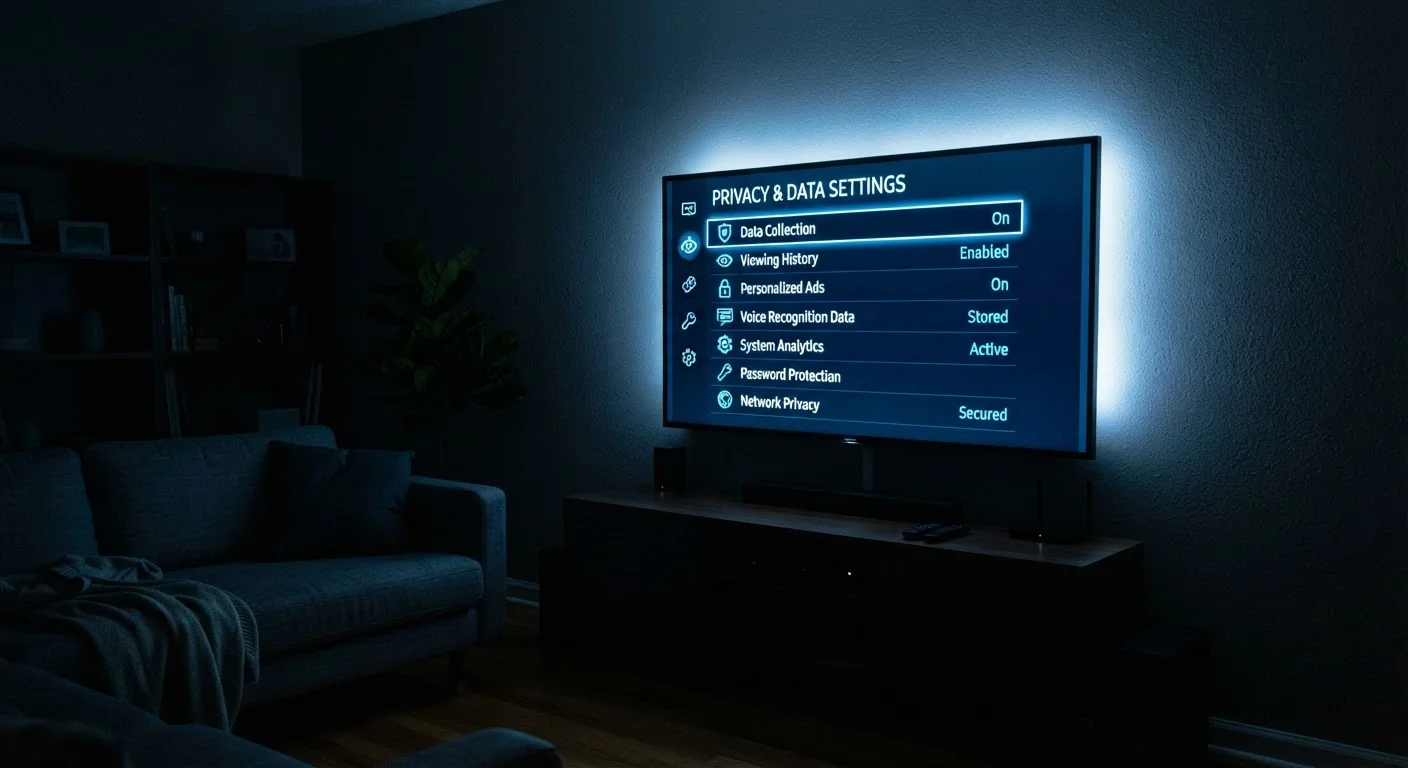
The best time to review and adjust your smart TV's privacy settings is immediately after the initial setup, before you begin using streaming apps. Default settings almost universally enable data collection, so opting out early reduces the amount of data gathered from day one. Look for a Privacy or Data section in the main settings menu.
These steps don't require technical expertise, but the menu paths differ across platforms and firmware versions. Consulting your TV's support documentation or a search for your specific model and 'disable ACR' will yield the most accurate navigation steps. For broader context on how content gets to your screen, our explainer on how streaming devices work covers the full signal path.
What Data Collection Means in Practice
For most users, the practical effect of smart TV data collection is targeted advertising - ads that reflect past viewing behavior rather than generic demographics. This may feel convenient or intrusive depending on individual perspective, but it is the primary tangible outcome for the average household.
A less visible effect is the aggregation of viewing data at scale. When millions of households contribute ACR data, that dataset becomes commercially valuable for market research, content investment decisions, and audience measurement - purposes well beyond the individual user's experience.
Users who prefer to limit data sharing without sacrificing smart features have practical options available, as outlined in the previous section. The trade-off is typically modest: slightly less personalized recommendations in exchange for reduced data exposure. For anyone building out a home viewing setup and weighing these considerations alongside picture quality and platform choices, our overview of the streaming landscape provides useful broader context.
This article is for general informational purposes only. Privacy settings, platform features, and data practices vary by manufacturer and may change over time. Consult your TV's current privacy policy and support documentation for the most accurate guidance specific to your device.